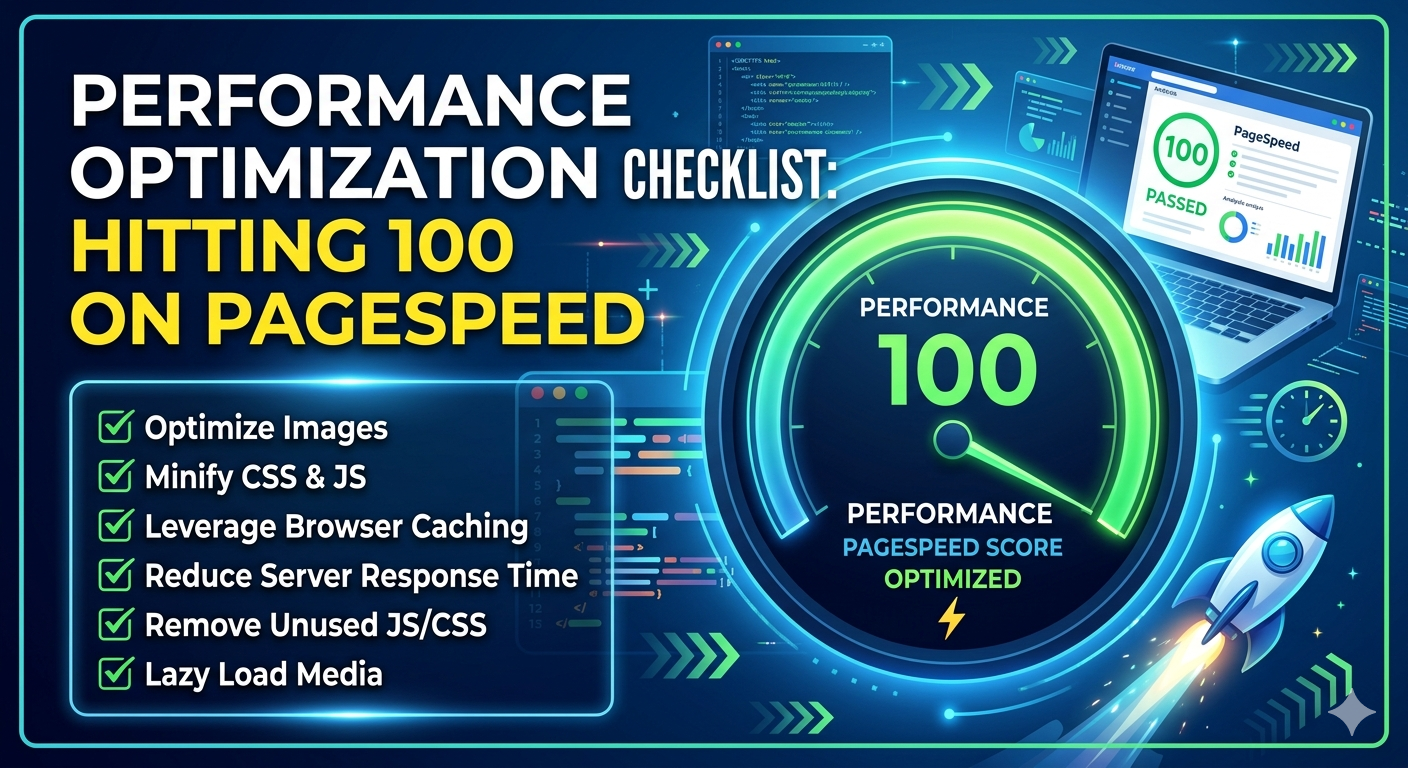
 A perfect 100 on Google PageSpeed Insights is not a vanity metric. It is a declaration that your site respects every user, on every device, on every network. This is your complete, step-by-step blueprint to get there — with premium tools that make each step systematic, not guesswork.
Chasing that score matters more than ever. Google’s Core Web Vitals — Largest Contentful Paint (LCP), Interaction to Next Paint (INP), and Cumulative Layout Shift (CLS) — are direct ranking signals. A site that loads in under 2.5 seconds, responds to interaction in under 200ms, and holds its layout stable doesn’t just score well on Lighthouse. It converts better, retains users longer, and ranks higher organically. Performance is product quality.
of mobile users abandon a site that takes over 3 seconds to load
faster load time correlates with 8% more conversions (Deloitte)
LCP threshold, Google defines as “Good” for Core Web Vitals
This checklist covers six performance domains: image optimization, caching and delivery, code efficiency, server configuration, render-critical path management, and ongoing monitoring. Work through them in order — each domain builds on the last — and pair each section with the premium tools recommended within it. A 100 score is achievable. Here is how.
01. Image Optimization
Images account for an average of 50–75% of total page weight on modern websites. They are simultaneously the biggest performance drag and the easiest domain to optimize systematically. Getting images right alone can swing your LCP score by 20–40 points. This is where your optimization journey starts.
Modern image optimization is not just about compression — it’s about format selection, dimension matching, lazy loading, responsive serving, and content-aware quality reduction. Done manually, it’s tedious and inconsistent. Done with the right tooling, it becomes an automated, reliable pipeline that runs invisibly every time a new image enters your system.
7 items
Serve next-gen formats. AVIF delivers 50% smaller files than JPEG at equivalent quality. Use Imagify or ShortPixel for automated bulk conversion with fallback support.
Critical
Add loading=”lazy” to all img tags not in the initial viewport. Never lazy-load your LCP image — it will delay the metric that matters most.
Critical
Prevents layout shift (CLS). The browser reserves space before the image loads. Every <img> tag without dimensions is a CLS liability.
Critical
A 1400px hero served on mobile is wasting bandwidth. Define srcset breakpoints so mobile gets a 400px file, not the desktop version.
High
Add <link rel=”preload” as=”image”> in your <head> for your above-the-fold hero. This single change can drop LCP by 0.5–1.2 seconds.
Critical
Images served from the origin server traverse the full network path. A CDN node 20ms away vs. 250ms away is not an abstraction — it’s measurable LCP impact.
High
Audit for hidden images still being loaded (display:none doesn’t prevent downloading), decorative images missing alt=”” and role=”presentation”, and images larger than their container.
Medium
02. Caching and CDN Delivery
Caching is the art of never doing the same work twice. A server that generates a page from a database query, a template engine, and three API calls on every single request is fundamentally limited in how fast it can respond. Caching collapses that process to a single file read — or better, a memory lookup — regardless of request volume.
For most sites, a well-configured caching stack (server-side page cache + browser cache headers + CDN edge cache) will reduce Time to First Byte (TTFB) from 400ms to under 50ms. This alone delivers 15–25 Lighthouse points for most sites sitting in the “needs improvement” range.
6 items
Use WP Rocket, LiteSpeed Cache, or W3 Total Cache (configured properly) to store complete HTML responses. Cold requests should be the exception, not the rule.
Critical
Static assets (CSS, JS, images) should carry Cache-Control: max-age=31536000 with file-hash versioning. Returning visitors should load zero unchanged assets from the network.
High
Cloudflare (free–Enterprise), BunnyCDN, or KeyCDN. Configure page rules to cache HTML at the edge for anonymous visitors. Combine with cache purge on publish for freshness.
Critical
Database query results, transients, and option lookups cached in memory. Dramatically reduces TTFB on dynamic pages that can’t be fully page-cached.
High
HTTP/2 multiplexes requests over a single connection. HTTP/3 (QUIC) eliminates head-of-line blocking entirely. Both are free to enable on modern servers and hosting panels.
High
Every external domain (fonts, analytics, CDN) costs a DNS lookup + TCP handshake. <link rel=”preconnect”> eliminates this for your most critical external resources.
Medium
“Performance is not a feature you add. It is a property you preserve — one careless dependency at a time.”
— The engineer’s performance philosophy
03. CSS, JavaScript and Code Efficiency
Modern websites ship an average of 500KB of JavaScript and 200KB of CSS to browsers that may use only 10–20% of it on any given page. This is the render-blocking debt that kills Time to Interactive scores. Addressing code bloat is the most technically demanding part of the optimization journey — and the one where premium tooling delivers the clearest return.
7 items
Remove whitespace, comments, and dead code. Combine files where HTTP/2 is not available. Use WP Rocket’s asset optimization or Perfmatters for per-page script control.
High
Any script not required for initial render should carry defer or async. Render-blocking JS delays First Contentful Paint directly — it is one of the most impactful single fixes.
Critical
Generate and inline critical above-the-fold CSS. Defer the full stylesheet. Tools: RapidLoad AI, WP Rocket’s critical CSS feature, or PurgeCSS in your build pipeline.
Critical
A contact form plugin loading scripts on your homepage is pure waste. Perfmatters and Asset CleanUp Pro let you disable any script or style on a per-page or per-post-type basis.
High
Load only the JS needed for the current page view. In React/Next.js, use dynamic imports. In WordPress, use conditional asset enqueue hooks. Route-based splitting is the minimum bar.
High
jQuery adds 30–87KB. Many sites load it for one or two DOM operations. Replace those calls with modern vanilla equivalents and drop the dependency entirely.
Medium
Fonts from fonts.googleapis.com require a DNS lookup, connection, and separate download. GDPR concerns aside, self-hosting with font-display: swap eliminates this latency entirely.
High
04. Server and Hosting Configuration
No amount of frontend optimization overcomes a slow server. Your TTFB — the time from the browser sending a request to receiving the first byte of response — is a server-side metric entirely. Google considers anything under 800ms “good” but top-performing sites regularly achieve 50–150ms TTFB. The gap between those numbers lives in your hosting tier, server configuration, and database efficiency.
5 items
Brotli achieves 15–25% better compression ratios than Gzip and is supported by all modern browsers. Enable at the server level (Nginx: brotli_static on; Apache: mod_brotli) or via Cloudflare.
Critical
PHP 8.x is up to 3× faster than PHP 7.x on WordPress benchmarks. This is a hosting panel checkbox that delivers free performance gains across every dynamic request.
Critical
WordPress databases accumulate thousands of post revisions, transients, and orphaned meta rows. WP-Optimize or Advanced Database Cleaner removes this dead weight and speeds up queries.
High
Shared hosting’s “unlimited” resources are a fiction. Managed WordPress hosts (Kinsta, WP Engine, Cloudways) provide dedicated PHP workers, guaranteed compute, and built-in caching layers.
High
Uncapped revisions bloat the database. The WordPress Heartbeat API fires AJAX requests every 15–60 seconds on admin pages, adding unnecessary server load. Configure both in wp-config.php.
Medium
05. Core Web Vitals: LCP, INP, and CLS
PageSpeed Insights does not score your raw speed in isolation. It weighs your performance through the lens of three Core Web Vitals that measure real user experience. Understanding what each metric actually measures — and which optimizations move each needle — is the difference between a targeted fix and hours of aimless tweaking.
| Metric | Good Threshold | Primary Cause of Failure | Impact |
|---|---|---|---|
| LCP | < 2.5s | Unoptimized hero image, slow TTFB, render-blocking CSS | |
| INP | < 200ms | Heavy JavaScript on main thread, long tasks, third-party scripts | |
| CLS | < 0.1 | Images without dimensions, late-loading fonts, injected content | |
| FCP | < 1.8s | Render-blocking resources, slow server response | |
| TTFB | < 0.8s | Uncached dynamic pages, slow database, shared hosting limits |
For CLS specifically: audit every element that loads asynchronously and could cause the layout to shift. Ad slots without reserved dimensions, web fonts that swap from fallback to loaded face, and any injected banners or cookie notices are the usual culprits. Reserve space for every dynamic element before it loads.
06. Premium Tools That Do the Heavy Lifting
The checklist items above are actionable with free tools and manual configuration. But premium tools transform what requires hours of developer time into minutes of dashboard configuration. For agencies, freelancers, and businesses where time is revenue, the return on these investments is measurable and fast.
All-in-One Cache
The single most impactful WordPress performance plugin. Handles page caching, CSS/JS optimization, critical CSS generation, lazy loading, database cleanup, and CDN integration from one UI. From $59/yr.
Image Optimization
Automated WebP/AVIF conversion, lossless and lossy compression, bulk optimization of existing libraries. Sister product to WP Rocket — integrates seamlessly. From $4.99/mo.
Script Management
Per-page script and style disabling, unused plugin detection, digital asset cleanup, local hosting of Google Analytics and fonts. Precision tool for surgical script control. $24.95/yr.
CDN & Edge
Global CDN with 300+ PoPs, HTTP/3, Argo Smart Routing, image resizing at the edge, Bot Management, and Web Analytics. Pro plan at $20/mo provides most of what performance-focused sites need.
AI Optimization
AI-driven critical CSS generation, unused CSS removal, and JavaScript deferral — fully automated. Connects directly to PageSpeed Insights API to measure real improvement after each change.
APM & Monitoring
Application performance monitoring for server-side profiling. Identify slow database queries, memory leaks, and PHP bottlenecks before they surface in Lighthouse audits.
Testing & Analysis
Multi-location PageSpeed testing with visual comparison, waterfall analysis, and CWV tracking over time. More granular than PageSpeed Insights alone. Identifies regressions between deploys.
Managed Hosting
Google Cloud C2 or AWS infrastructure, Nginx, PHP 8.2, full-page caching, edge CDN, and staging environments. The hosting layer under every truly optimized WordPress site.
07. Monitoring, Regression Prevention and Ongoing Maintenance
Reaching 100 on PageSpeed is a milestone, not a destination. Every plugin update, new content upload, theme change, or third-party script addition is a potential regression. Sites that maintain elite performance scores do so because they treat performance as a continuous process, not a one-time project.
7 items
Use SpeedVitals, DebugBear, or a self-hosted Lighthouse CI to run audits on schedule and receive alerts when scores drop below threshold.
High
CRuX (Chrome User Experience Report) data in Search Console reflects actual user experiences, not lab scores. A 100 lab score with poor field data signals caching or CDN coverage gaps.
Critical
Marketing, analytics, and chat tools accumulate silently. Each quarter, run a third-party impact audit. Remove scripts that have no owner or no measurable business value.
High
Chrome DevTools’ mobile throttling simulates a 4x CPU slowdown but doesn’t capture real thermal throttling, memory constraints, or network variance. Test on actual mid-range Android devices.
Medium
Plugin updates, theme changes, and content restructures all carry regression risk. Make Lighthouse audit output a required artifact in your staging-to-production deployment checklist.
High
Active sites accumulate log entries, spam comments, expired transients, and post revisions at surprising speed. Monthly cleanup keeps query times predictable and TTFB stable.
Medium
When a team member updates a plugin or changes a cache rule, undocumented configuration is a silent regression waiting to happen. Maintain a living performance spec for every site you manage.
Medium
08. The 100 Score Is Within Reach — Here Is Your Starting Point
A perfect PageSpeed score is achievable for virtually any website with the right approach. It is not reserved for enterprise teams with dedicated performance engineers or next-generation JavaScript frameworks. A WordPress site on managed hosting, optimized with the four-tool starter stack, and maintained with consistent monitoring discipline, can and regularly does hit 100 across all four Lighthouse categories.
The path is systematic, not magical. Start with images — they are the easiest wins for the biggest gains. Layer on caching and CDN delivery to eliminate TTFB. Attack render-blocking scripts with surgical precision using Perfmatters. Generate and inline critical CSS to unblock first paint. Then maintain relentlessly: test on deploy, audit on schedule, and treat every third-party script addition as the performance tax it actually is.
Performance is respect — for your users’ time, their data plans, and their attention. A site that loads in under a second on a mid-range phone in a developing market is a site that earns trust before a single word is read. That is the real reason a 100 PageSpeed score matters. Not the number. The experience it represents.