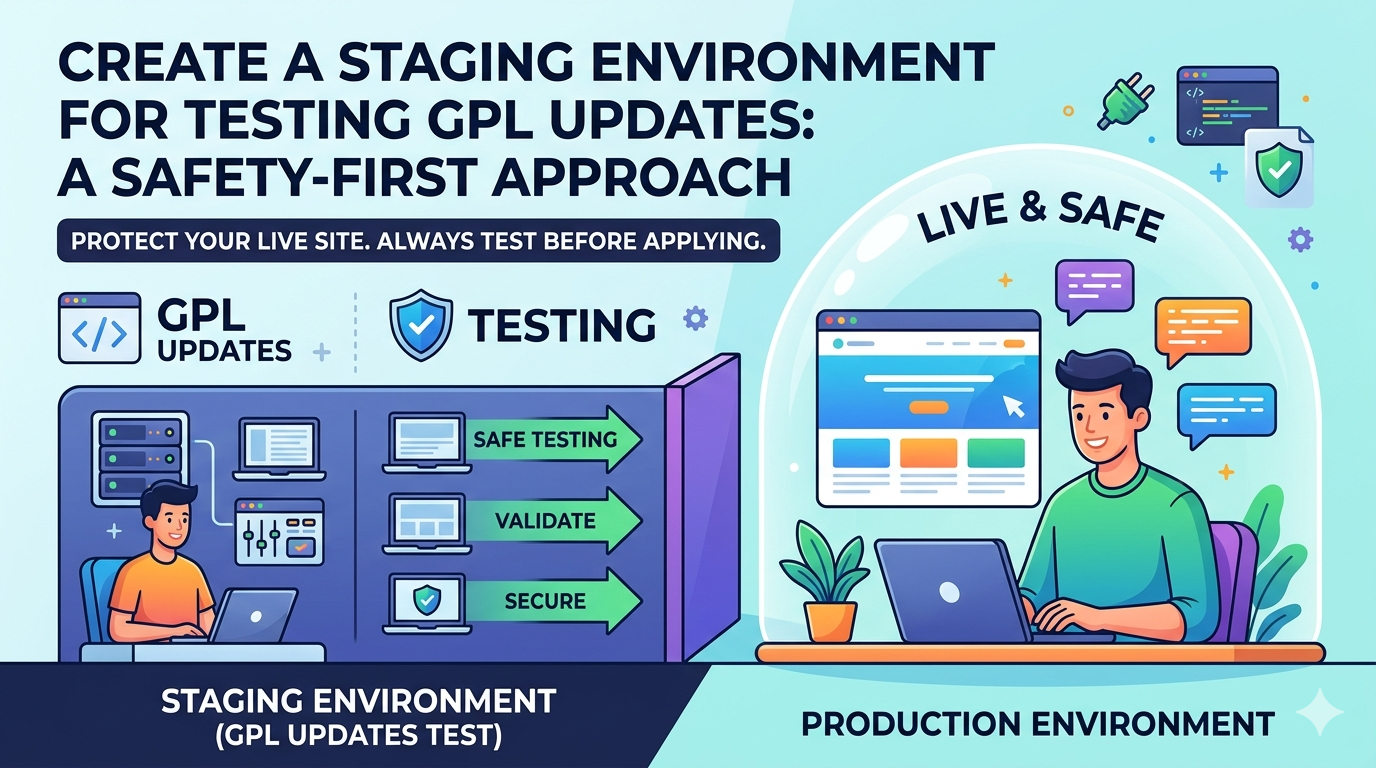
 Updating a GPL-licensed dependency in production without a safety net isn’t bravery — it’s negligence. A single breaking change in a core open-source library can cascade into compliance violations, system outages, and hours of rollback pain. In this guide, you’ll learn how to build a robust staging environment specifically designed for validating GPL updates before they ever touch your live system — combining technical rigor with open-source license hygiene.
§ 01. Why GPL Updates Deserve Their Own Safety Protocol
Most developers treat dependency updates as routine maintenance. Runnpm update, watch the tests pass, ship it. But GPL-licensed packages carry a layer of complexity that ordinary dependency bumps don’t: every version change can alter the legal obligations attached to your software, not just its runtime behavior.
Consider what can change between GPL versions of a package. A library may shift from LGPLv2 to GPLv3 — meaning the new version carries anti-tivoization clauses and explicit patent grants that didn’t apply before. Or a project may adopt the AGPL, suddenly requiring you to provide source code access to users interacting with your software over a network. These aren’t hypothetical edge cases; they are documented patterns that have blindsided engineering teams at companies large and small.
A dedicated staging environment for GPL updates solves two problems simultaneously: it catches functional regressions before they reach production, and it gives your legal and compliance teams a sandboxed environment to audit license changes before they become binding obligations. Think of it as a legal firewall and a technical firewall rolled into one infrastructure decision.
Many package managers (npm, pip, Gradle) will automatically upgrade a dependency to a version that carries a different GPL variant without any user prompt or changelog flag. If your SBOM automation isn’t watching license identifiers, a routine npm audit fix can unknowingly change your legal obligations overnight.
§ 02. Architecting Your GPL Staging Pipeline
Before writing a single configuration file, map out the three-tier environment structure that underpins a safe GPL update workflow. Each tier has a specific role and a specific set of checks that must pass before the update is promoted forward.
The staging tier is where most of the work happens. It should be architecturally identical to production — same OS, same runtime version, same infrastructure provider — but completely isolated from live user data and traffic. Shortcuts here defeat the entire purpose; a staging environment that differs meaningfully from production will give you false confidence.
Isolation
Separate network namespace, no access to production databases or secrets. Clone data with production-like volumes but anonymized records.
Parity
Match production runtime exactly: same kernel, same package manager, same environment variables. Use IaC (Terraform/Pulumi) to ensure drift is zero.
Observability
Full logging, tracing, and metrics — ideally feeding the same dashboards as production so regressions are immediately visible.
Gating
No manual promotion to production. Only a passing CI pipeline with license checks and test coverage thresholds can trigger a deployment.
§ 03. Step-by-Step: Standing Up the Environment
Here is a concrete setup using Docker Compose for local parity and a dedicated CI job for the staging gate. Adapt the tooling to your stack, but preserve the structure.
Step 1 — Containerize with Explicit Dependency Pinning
Never allow floating version ranges in a staging environment used for GPL testing. Pin every dependency to an exact version so that the environment is fully reproducible and the license snapshot is deterministic.
Dockerfile.staging
FROM node:22.3.0-alpine3.20 AS base
WORKDIR /app
# Copy lockfiles FIRST to leverage layer caching
COPY package.json package-lock.json ./
# ci install respects lockfile — no silent upgrades
RUN npm ci –audit=false
# Run license audit immediately after install
RUN npx license-checker –onlyAllow
“MIT;Apache-2.0;BSD-2-Clause;BSD-3-Clause;ISC;LGPL-2.1;LGPL-3.0”
–excludePrivatePackages
COPY . .
CMD [“node”, “src/index.js”]
Step 2 — Automate the License Diff on Every PR
Every pull request that modifies package.json, requirements.txt, go.mod, or equivalent must trigger an automated license comparison between the current state and the proposed state. The diff should surface any new GPL-family licenses entering your dependency tree and block the merge if they exceed your policy thresholds.
.github/workflows/license-gate.yml
on:
pull_request:
paths: [“package.json”, “package-lock.json”]
jobs:
license-check:
runs-on: ubuntu-24.04
steps:
– uses: actions/checkout@v4
– name: Install deps
run: npm ci
– name: FOSSA license scan
run: fossa analyze && fossa test
env:
FOSSA_API_KEY: ${{ secrets.FOSSA_API_KEY }}
– name: Generate SBOM snapshot
run: npx @cyclonedx/cyclonedx-npm –output sbom.json
– uses: actions/upload-artifact@v4
with:
name: sbom-snapshot
path: sbom.json
§ 04. Running GPL-Aware Functional Tests
Technical testing in the staging environment must go beyond unit tests. When you update a GPL library, the behavioral contract of that library may have changed alongside its legal terms — and your tests need to cover both the happy path and the edge cases that are most likely to surface in version transitions.
Layer 1 — Smoke Tests: Does the application start? Do health checks pass? Can authenticated users perform one full workflow?
Layer 2 — Regression Tests: Does every existing feature behave identically to the pre-update baseline? Run these against production traffic snapshots if possible.
Layer 3 — License Boundary Tests: If the updated library exposes functionality that is affected by its GPL terms (e.g. code generation, compilation, linking), test that boundary explicitly and document the test results for compliance records.
For teams with significant GPL exposure, it is worth maintaining a dedicated compliance test suite — a set of tests that verify your software is meeting its source-distribution obligations. This might include checks that your public repository is reachable, that your SBOM is up to date, and that modified GPL source is accessible at the correct network endpoint. These tests run in staging and their results feed directly into your release sign-off process.
§ 05. Rollback Strategy: Plan the Retreat Before the Advance
No update process is complete without a documented, tested rollback path. This is doubly true for GPL updates, where rolling back isn’t just a matter of reverting a deployment — it may also mean reverting your published SBOM, notifying stakeholders of a license change that did not proceed, and ensuring that any modified GPL source you briefly exposed is still available.
Immutable Deployment Artifacts
Every successful staging build should produce a tagged, immutable container image and a signed SBOM artifact. Store both in your registry with the Git SHA as the tag. This ensures that a rollback means redeploying a known-good, fully audited artifact — not attempting to reconstruct a past state from memory or ad-hoc scripts.
bash — rollback procedure
$ docker tag myapp:staging myapp:$(git rev-parse –short HEAD)
$ docker push registry.example.com/myapp:$(git rev-parse –short HEAD)
# If production rollback is needed:
$ export ROLLBACK_SHA=a3f91bc
$ docker pull registry.example.com/myapp:$ROLLBACK_SHA
$ docker tag registry.example.com/myapp:$ROLLBACK_SHA myapp:production
✓ Rollback to a3f91bc complete. Verify SBOM at sbom-archive/$ROLLBACK_SHA.json
§ 06. The Pre-Promotion Checklist
Before any GPL-updated build is promoted from staging to production, every item on the following checklist must be satisfied. This is not a formality — it is the contractual moment between your engineering team and the obligations you carry under open-source law.
- ✓
License diff reviewed — A human (not just automation) has reviewed any new GPL-family licenses entering the dependency tree and approved them against your license policy.
- ✓
SBOM updated and signed — The Software Bill of Materials has been regenerated for this build and stored as a signed artifact in your registry or compliance system.
- ✓
Source availability confirmed — If the update includes modified GPL code your team wrote, the updated source is publicly accessible at the URL declared in your SBOM and any written offers.
- ✓
All three test layers green — Smoke, regression, and compliance tests have all passed in the staging environment without manual overrides.
- ✓
Rollback artifact tagged — The current production image has been tagged and archived so that an instant rollback is available without reconstruction.
- ✓
Stakeholder sign-off logged — For GPLv3 or AGPL updates, legal or compliance has reviewed and signed off in writing. The record is stored with the release notes.
- ✓
Changelog updated — The dependency change, its license implications, and the date of promotion are documented in the project changelog for future auditors.
§ 07. Tooling Reference: The 2026 Stack
The ecosystem of GPL-aware tooling has matured considerably. Here are the tools worth integrating into your staging pipeline in 2026, categorized by function:
FOSSA — Enterprise-grade, integrates with GitHub/GitLab, policy-as-code rules. Best for teams with strict compliance SLAs.
license-checker (npm) / pip-licenses (Python) — Lightweight CLI tools, excellent for local pre-commit hooks.
REUSE (FSFE) — Spec + tooling for embedding machine-readable SPDX headers in every source file. Gold standard for SBOM completeness.
Syft (Anchore) — Multi-ecosystem SBOM generator supporting SPDX and CycloneDX formats. Works on containers and source trees.
@cyclonedx/cyclonedx-npm — Official CycloneDX tool for Node.js projects, outputs SBOM JSON ready for compliance archives.
Do not rely on GitHub’s dependency graph as your sole license source of truth — it does not surface transitive license changes. Do not skip scanning on “minor” version bumps; license upgrades have been shipped in patch releases. Do not merge license policy exceptions without a written record.
§ 08. Conclusion: Safety as a Development Culture
Building a staging environment for GPL updates is not a one-time infrastructure project — it is a commitment to an engineering culture that treats open-source obligations as first-class requirements, not afterthoughts. The configuration files, CI pipelines, and checklists outlined in this guide are the scaffolding; the real work is building the habit of treating every dependency bump as a moment that deserves scrutiny.
In 2026, with regulators increasingly requiring SBOMs, with GPL enforcement organizations growing more sophisticated, and with AI-assisted code generation accelerating the rate at which third-party dependencies enter codebases, the developers who invest in safety infrastructure now will be the ones who ship with confidence — legally and technically — in the years ahead.
The GPL was written to protect freedom. Your staging environment is how you honor that — by ensuring that every update you ship is one you’ve chosen with full information, in every dimension that matters.
pipeline — final status
✓ smoke-tests passed in 1m 08s
✓ regression-suite passed in 4m 22s
✓ sbom-snapshot artifact uploaded
✓ compliance-audit approved by legal
✓ All checks passed — ready to promote to production.
$ ./scripts/promote.sh staging → production
🚀 Deployed. Stay compliant.